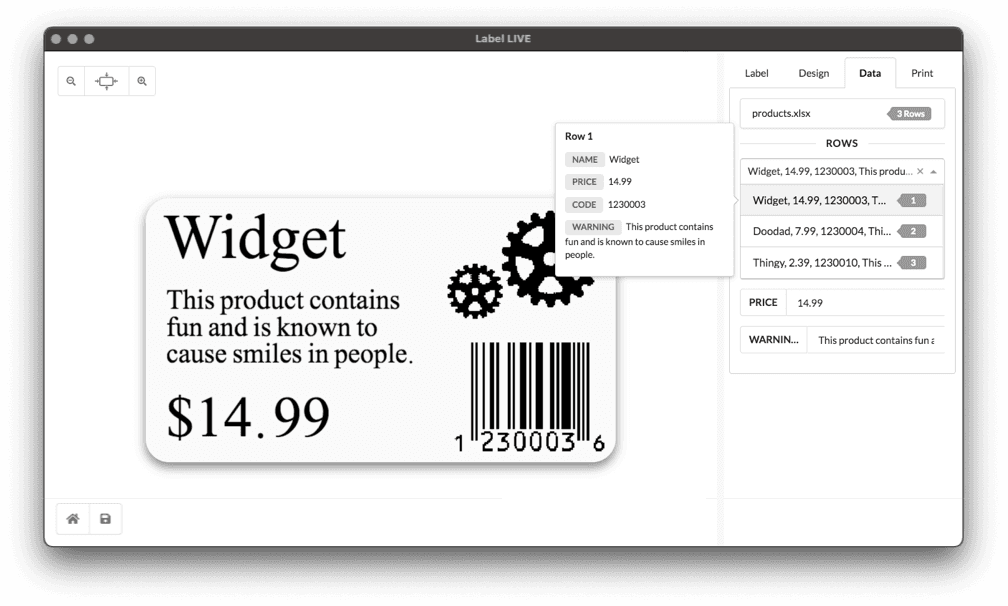
Data Specific Questions
Importing data is easy, but sometimes there's a little tidbit you might have missed. We have solutions to help you. But if you still can't find the answer reach out to us using the chat box (bottom right), contact form or email us.


Short answers to Data questions in Label LIVE. Open a question for the full walkthrough.
Can I print labels from Shopify?
Yes. Export your products from Shopify as a CSV file and import the file in Label LIVE, or let a sync app keep a Google Sheet updated from Shopify and connect that sheet as your data source.
How do I combine two variables?
Use ${VAR1}_${VAR2} in the same design object, or use a scripting variable.
How can I select rows to print?
You can search, choose data rows, perform a match, or use a column for label copies.
Why is my label data not updating?
Double-check your spreadsheet columns.
Where can I search for a specific Data Row?
Searching for data is just a click away. Filter your data and print a specific label in seconds.
Why is my spreadsheet column not working?
Double-check that your column's first row has a simple name such as "SKU" or "PRICE."
Why does it only print the first row of imported data?
Your imported file needs a header row.
What does "Oops, there are no rows to load" mean?
Find out what the "oops there are no rows to load" error means and how to fix it
How do I select a different Excel workbook?
Label LIVE by default imports the first workbook, furthest on the left. To change click the name of the current sheet and select a different sheet.
Why is my data not changing?
Find out why your data may not be changing and how to fix it