Zebra Label Software for Mac
Label LIVE is label design and printing software for Mac that works with Zebra ZD, ZT, and GK and GX printers, and with every other printer brand too. You design labels on a drag-and-drop canvas, generate barcodes and QR codes, import Excel, CSV or Google Sheets data, and print thousands of unique labels straight from your Mac, often without proprietary label-design software. Label LIVE runs on macOS and Windows, works on Apple Silicon and Intel, and is licensed with a one-time purchase instead of a subscription.
Zebra's own label-design software, ZebraDesigner, is only available on Windows. Zebra's setup guides do acknowledge an Apple device as a host, while the driver-installing wizard and the design application stay on Windows. The documented path for other operating systems is copying a raw ZPL file to the printer, which is a test print, not a design workflow. If you design labels on a Mac, Label LIVE gives you a real canvas, a spreadsheet workflow, and barcode output for the Zebra printer you already own.
Try every feature free for 14 days and print to your Zebra printer today.

Label LIVE
Designs labels on a drag-and-drop canvas on macOS and Windows
Runs natively on Apple Silicon and Intel Macs
Batch print from Excel, CSV, Google Sheets or the built-in spreadsheet
Barcodes, QR codes, serial numbers and dynamic data on every label
Built-in drivers for many thermal label printers
One-time license with a 14-day free trial
ZebraDesigner
Only available on Windows
Driver setup runs through a Windows installation wizard
Documented non-Windows path is a raw ZPL file copy
Label design lives outside macOS
From ZebraDesigner to printed labels in three easy steps:
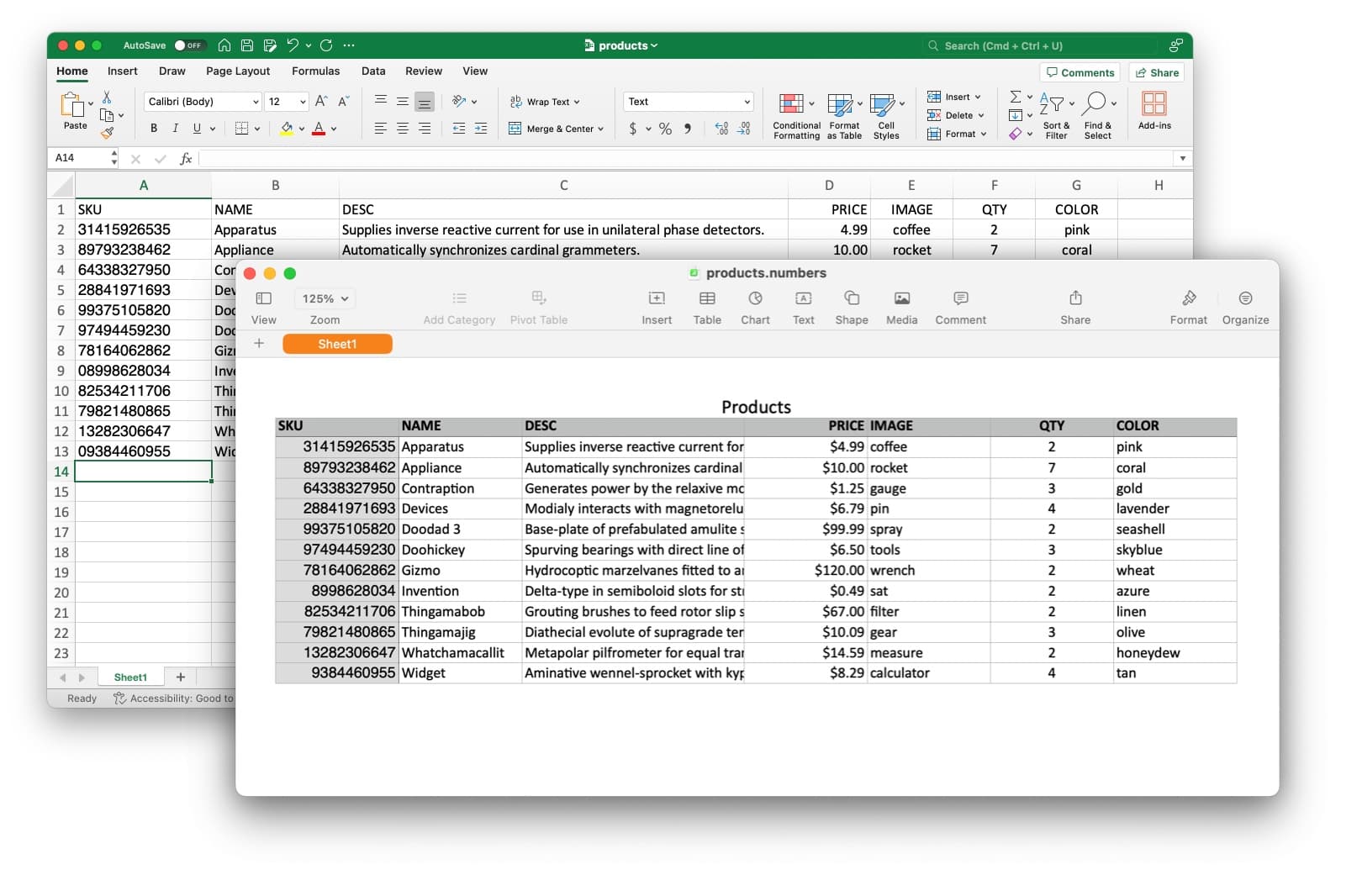
Your product list is already 90% done
Connect the spreadsheet you already maintain. Each row fills the label automatically, no ZebraDesigner data sources to configure.
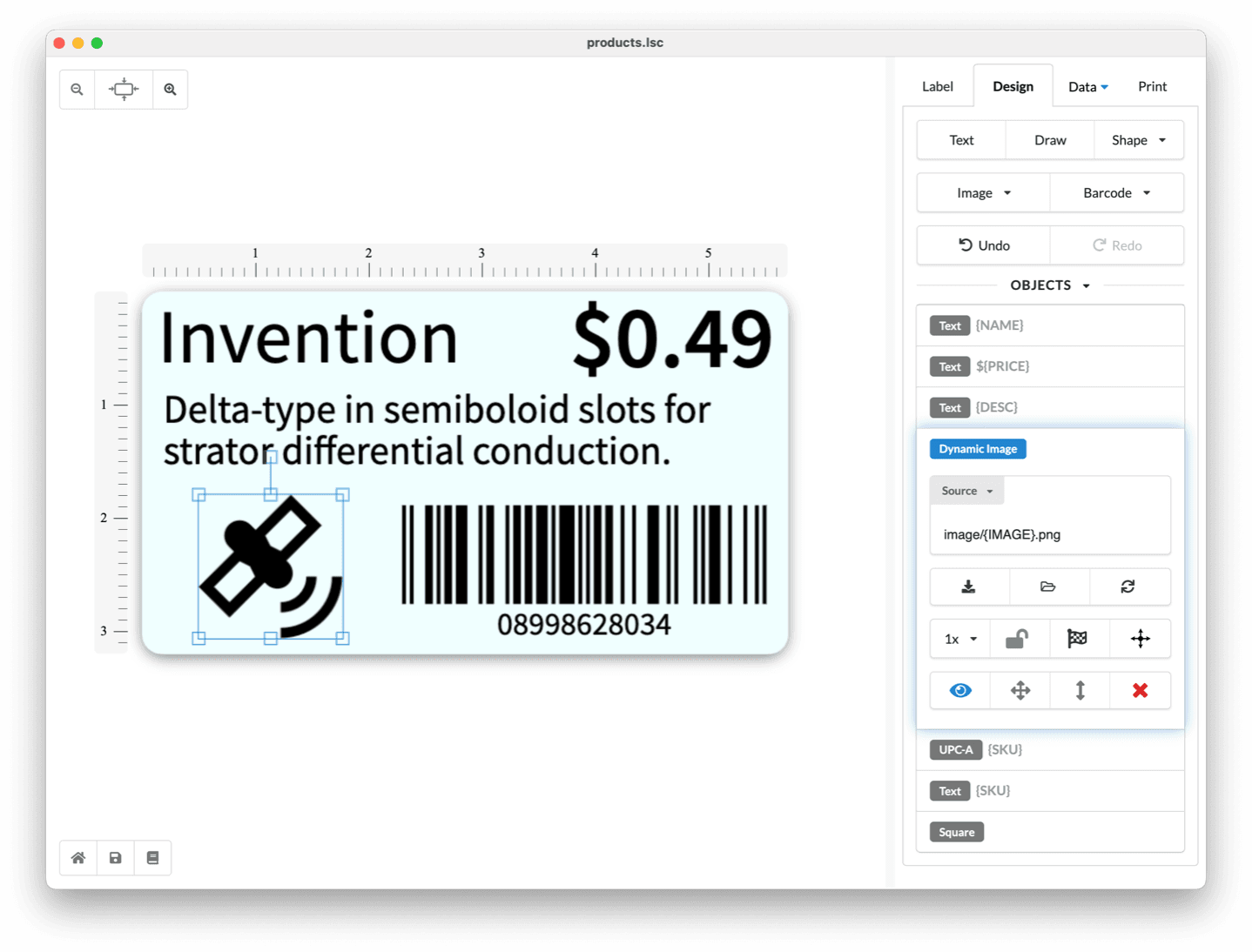
Drag and drop what you need
Build barcode labels visually with text, barcodes and shapes. What you see on screen is what prints on the roll.
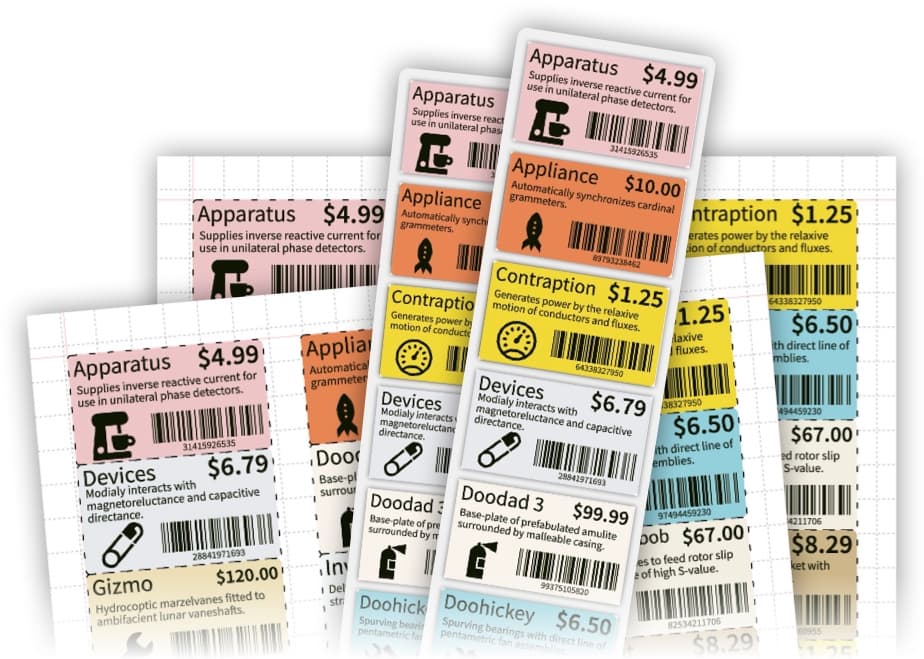
Your Zebra printer prints over USB
Label LIVE drives Zebra thermal printers directly, no drivers and no ZebraDesigner licence to manage.
Everything a Zebra Printer User Misses on a Mac
Label LIVE keeps simple Zebra jobs simple, and it adds the batch, barcode and spreadsheet features that a copied ZPL file cannot give you.
More Than Zebra Design Software
Label LIVE handles the label workflows your printer was built for, from product barcodes and price tags to shipping labels and serial-numbered inventory, on the Zebra printer you already own.
Common Questions from Zebra Users
Will Label LIVE print to my Zebra printer?
Label LIVE prints to the Zebra models it lists as supported, including ZD, ZT, and GK and GX desktop printers, and it reaches them through the printer driver you already installed. Browse the Zebra models Label LIVE supports.
Do I need Zebra's drivers?
Label LIVE prints to printers your Mac already knows about, and it includes built-in drivers for many thermal label printers. Some Zebra printers advertise AirPrint, so check your model before you count on it.
Can I print barcodes from a spreadsheet?
Add a barcode to your label, link its data to a spreadsheet column, and print, so every label gets its own barcode. The Excel spreadsheet guide walks through it.
What does it cost?
Label LIVE offers one-time Home, Business, and Logic licenses, plus an optional monthly subscription. The 14-day trial includes every feature, and current plans are on the pricing page.