Software to Print Product Labels
Label LIVE is label design and printing software for Mac and Windows that turns a product list into finished labels, and prints them by the thousand. You design the label once on a drag-and-drop canvas, link each field to a column of your spreadsheet, and print one unique label per product, with the barcode, price, description and image already in place.
A product label usually needs more than a name. Label LIVE handles the barcode symbologies retail and wholesale expect, including UPC-A, EAN-13 and EAN-8, alongside QR codes, serial numbers, lot codes, batch numbers and expiry dates. Prices, sizes and variants come straight from your data, so a change in the spreadsheet becomes a change on the label without any redesign.
Try every feature free for 14 days and print your first product label today.
Label LIVE
Drag-and-drop canvas built for label dimensions, not page margins
Barcode symbologies generated from the data on the label
One unique label per row, printed in a single batch job
Prices, SKUs, lot codes and expiry dates driven by variables
Works with thermal, inkjet and laser printers, on rolls or A4 sheets
Exports label PDFs and PNGs for a print shop
Other label software
Expensive subscriptions
Windows-only design apps leave Mac users waiting
Complex enterprise tooling and licensing
Nickel and dimed by per-seat and per-printer pricing
Limited free tools that can't handle real-life jobs
Vibe-coded tools that no one understands
From product list to printed labels in three easy steps:
Your product list is already 90% done
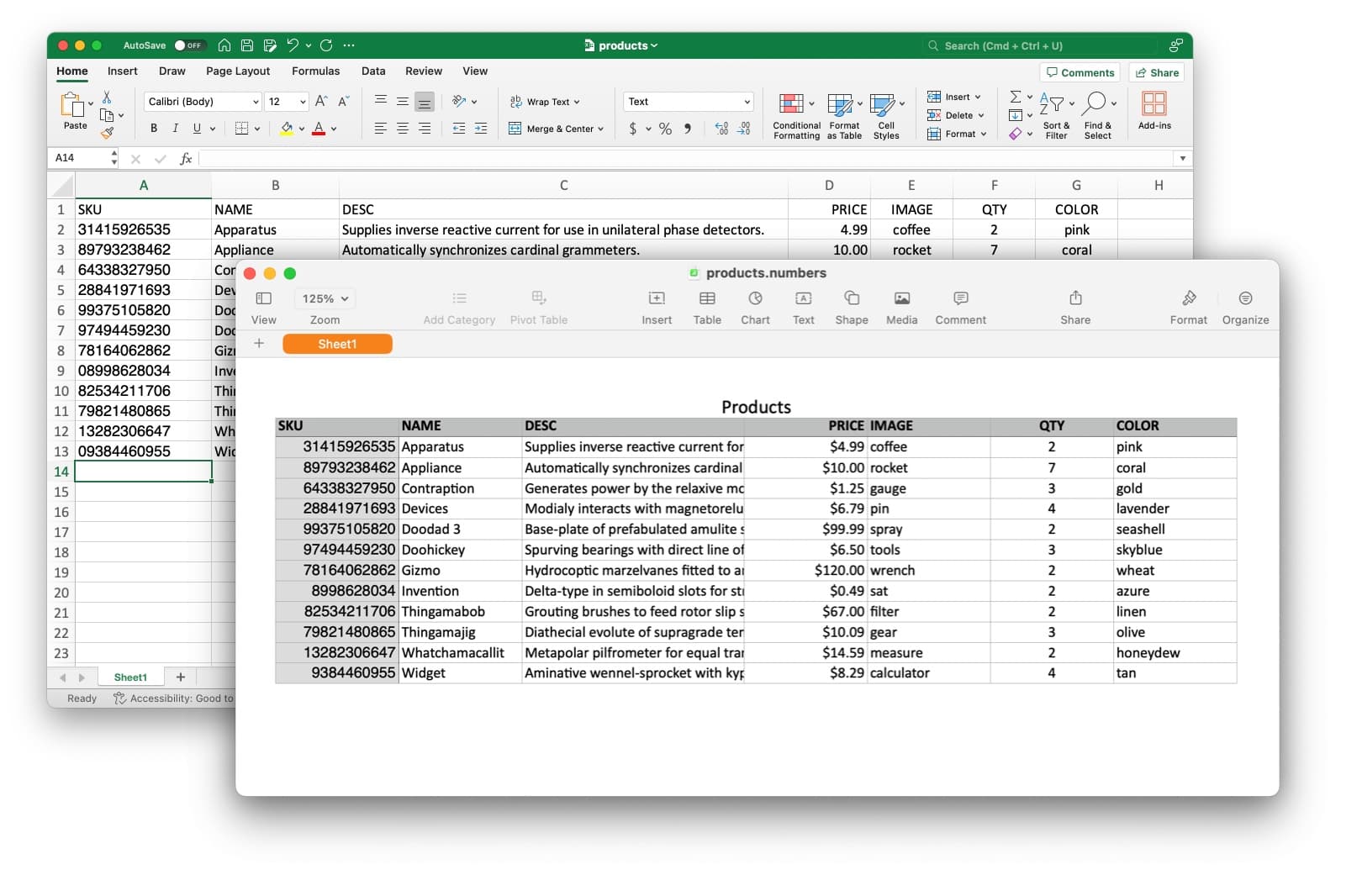
Import the spreadsheet behind your catalogue. Prices, SKUs and descriptions become variables on the label.
Drag and drop what you need
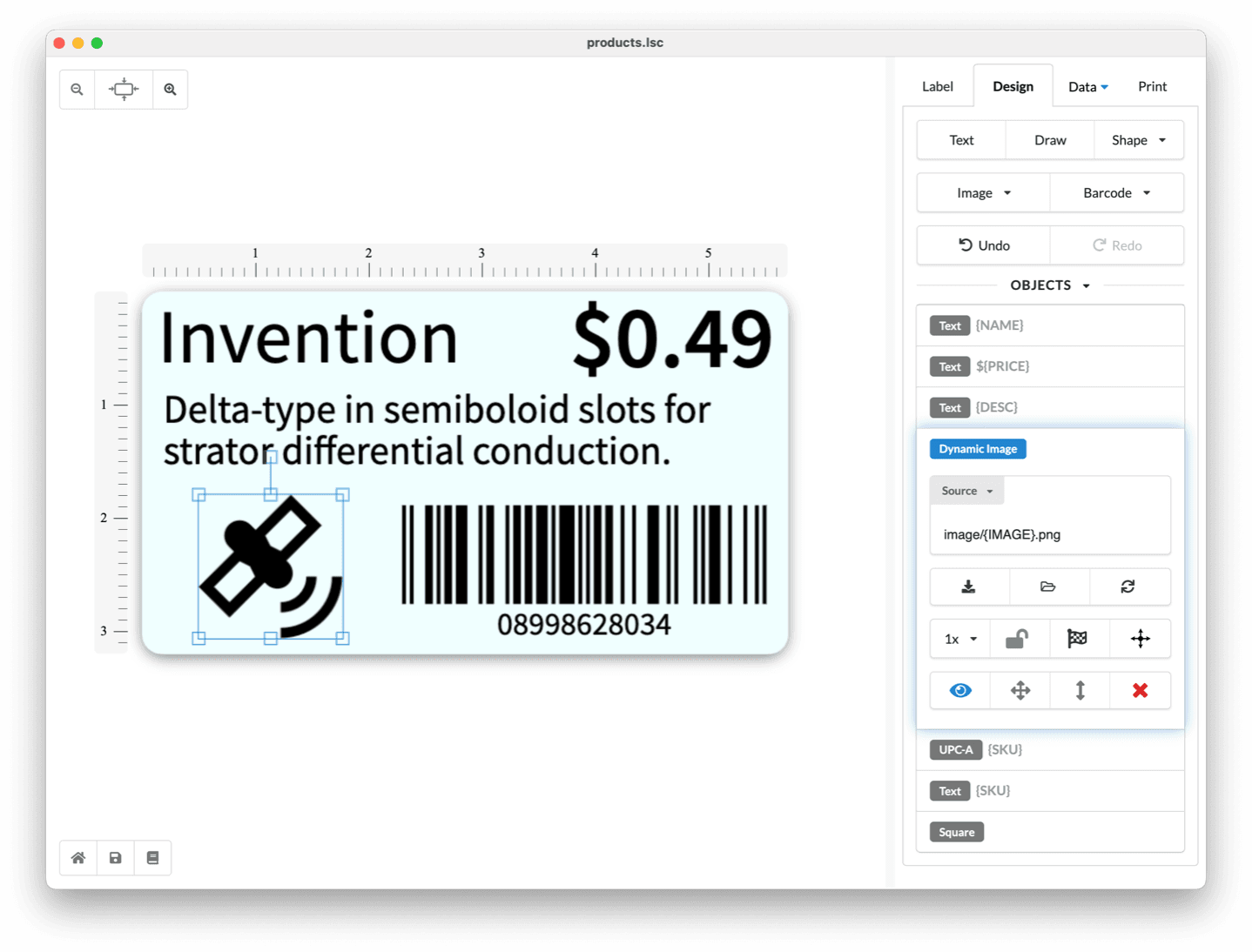
Design one product label with barcode, price and photo, then every product gets its own version automatically.
Sheets or rolls, any printer
Print the whole catalogue in one job on label rolls or sticker sheets, from a desktop inkjet or a thermal printer.
Design Your Product Labels
Product names, prices, SKUs, descriptions, images, barcodes, lot codes and expiry dates all live on the same canvas, and every one of them can come from your data.
From One Label to a Full Print Run
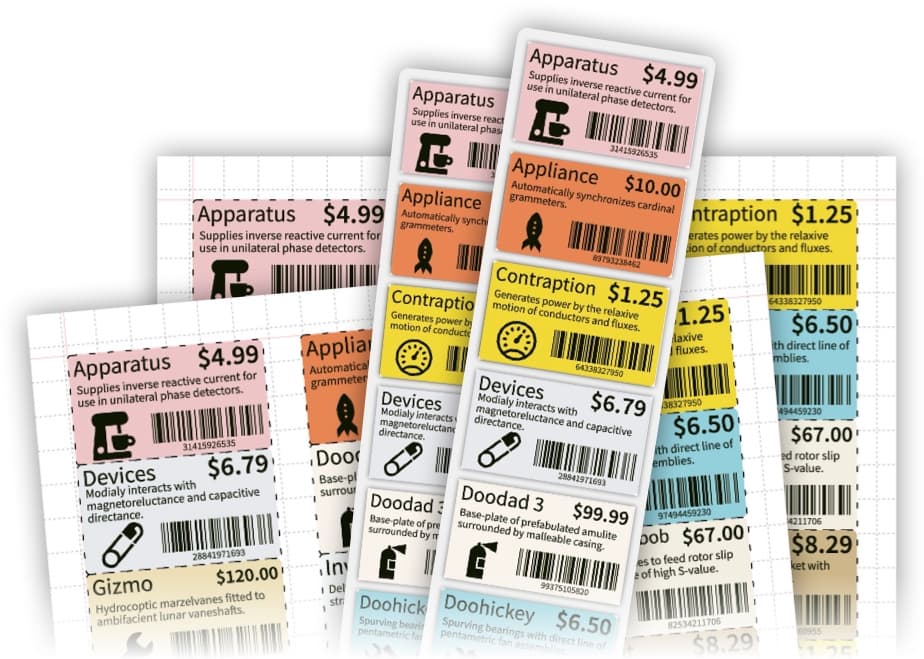
Design once, then print a unique label for every row. Batch jobs, variable copies and PDF or PNG export are built in, so a run of five or five thousand works the same way.
Common Questions About Product Labels
Can I print a different label for every product?
Yes. Add a barcode to your label, link its data to a spreadsheet column, and print, so every label gets its own barcode. The Excel spreadsheet guide walks through the merge.
Which barcode types can I use?
Label LIVE generates barcodes and QR codes on the canvas, including UPC-A, EAN-13 and EAN-8. The bulk barcode generator covers generating codes in quantity.
Can I add lot codes and expiry dates?
Yes. Variables and serial number generation cover lot and batch codes, and relative date labels print expiry dates calculated from the print date.
Do I need a label printer?
No. Label LIVE prints to inkjet and laser printers on A4 sheets, and to thermal label printers on rolls, often without proprietary label-design software. See the printers Label LIVE works with.
What does it cost?
Label LIVE offers one-time Home, Business, and Logic licenses, plus an optional monthly subscription. The 14-day trial includes every feature, and current plans are on the pricing page.