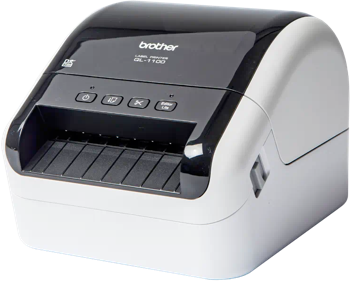
Zebra ZD620 Label Printing Software
Use Label LIVE with the Zebra ZD620 on Mac or Windows. Design the label on your computer and print it on this printer. Download Label LIVE for Mac or Windows. Even though the manufacturer has discontinued this printer, it works great with Label LIVE, and lightly used models are often available at a good price.
The Zebra ZD620 is a desktop thermal printer suited to asset and laboratory labels, with an optional color display that helps operators configure the printer and identify paused printing or errors at a glance.
Printer Specs
- Print technology
- Direct thermal or thermal transfer
- Maximum print width
- 108 mm (4.3 in)
- Print resolution
- 203 / 300 dpi
- Maximum print length
- 991 mm
- Print speed
- 8 in/s (203 mm/s)
- Connections
- USB, Ethernet, Wi-Fi, Bluetooth, Serial
- Printer languages
- ZPL II, EPL2, XML, ZBI
- Label formats
- die-cut, continuous, roll, fan-fold
- Status
- Discontinued by the manufacturer