Zebra ZD230 Label Printing Software
Use Label LIVE with the Zebra ZD230 on Mac or Windows. Design the label on your computer and print it on this printer. Download Label LIVE for Mac or Windows.
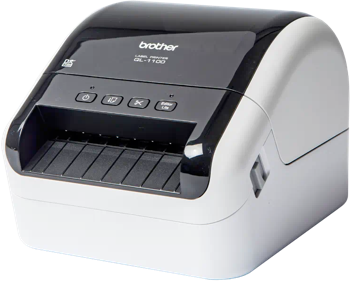
The Zebra ZD230 is an entry-level desktop thermal printer for everyday barcode labels, tags and receipts, with high-capacity ribbon support on the thermal transfer version to reduce supply changes during longer printing jobs.
Printer Specs
- Print technology
- Direct thermal or thermal transfer
- Maximum print width
- 104 mm (4.1 in)
- Print resolution
- 203 dpi
- Maximum print length
- 991 mm
- Print speed
- 6 in/s (152 mm/s)
- Connections
- USB, Ethernet, Wi-Fi, Bluetooth
- Printer languages
- ZPL II, EPL2
- Label formats
- die-cut, continuous, roll, fan-fold
- Status
- Current model
Specifications from medialibrary.zebra.com, zebra.com, zebra.com.