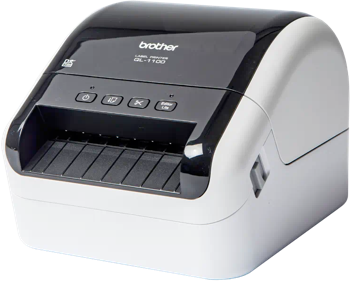
DYMO DUO Label Printing Software
Use Label LIVE with the DYMO DUO on Windows. Design the label on your computer and print it on this printer. Download Label LIVE for Windows. This printer has no label DRM, so it works with any DYMO-compatible label roll, not only DYMO-brand labels. If you're looking to upgrade out of the DYMO ecosystem to a printer that lets you use labels from any manufacturer, check out mydpi.
The DYMO DUO is a desktop thermal printer for mailing and office identification, combining separate paper-label and narrow-tape printing mechanisms in a single unit so both kinds of labeling stay available.
Printer Specs
- Print technology
- Direct thermal or thermal transfer
- Maximum print width
- 56 mm (2.2 in)
- Print resolution
- 180 / 300 dpi
- Connections
- USB
- Label formats
- die-cut, continuous, roll, tape
- Label compatibility
- No label DRM, works with DYMO-compatible rolls
Specifications from dymo.com, download.dymo.com, download.dymo.com, labelvalue.com.