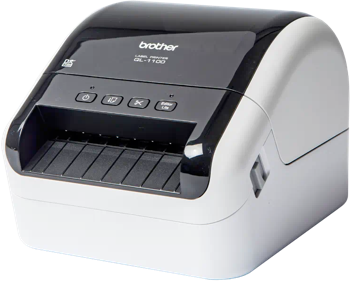
DYMO 550 Turbo Label Printing Software
Use Label LIVE with the DYMO 550 Turbo on Mac or Windows. Design the label on your computer and print it on this printer. Download Label LIVE for Mac or Windows. This printer has label DRM and requires authentic DYMO labels, so third-party label rolls will not work. For those looking for non-DRM DYMO-label-compatible printers, check out our recommended mydpi printers.
The DYMO 550 Turbo is a desktop direct thermal printer for mailing, shipping and office labels, automatically identifying authentic DYMO labels and reporting how many remain to help manage label supplies.
Printer Specs
- Print technology
- Direct thermal (no ribbon)
- Maximum print width
- 56 mm (2.2 in)
- Print resolution
- 300 dpi
- Connections
- USB, Ethernet
- Label formats
- die-cut, continuous, roll
- Label compatibility
- Requires authentic DYMO labels (label DRM)
Specifications from download.dymo.com, download.dymo.com, labelvalue.com.