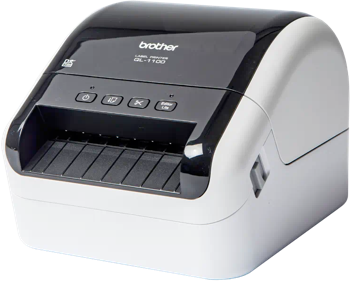
BROTHER QL-1100 Label Printing Software
Use Label LIVE with the BROTHER QL-1100 on Windows. Design the label on your computer and print it on this printer. Download Label LIVE for Windows.
The Brother QL-1100 is a wide-format desktop direct thermal printer suited to shipping, postage and package labels, with drop-in label rolls for straightforward loading and an automatic cutter to separate finished labels.
Printer Specs
- Print technology
- Direct thermal (no ribbon)
- Maximum print width
- 102 mm (4.0 in)
- Print resolution
- 300 dpi
- Maximum print length
- 118 in
- Print speed
- 4.3 in/s (109 mm/s)
- Connections
- USB
- Printer languages
- Raster, ESC/P, P-touch Template
- Label formats
- die-cut, continuous, roll, tape
- Released
- 2018
Specifications from support.brother.com, brother-usa.com, assets.brother.com, help.brother-usa.com, brother.com.au.