Your browser does not support JavaScript! This site works best with javascript ( and by best only ).How do I print a barcode using a spreadsheet? | Label LIVE
Back to Printing FAQs

How do I print a barcode using a spreadsheet?

Updated October 2, 2026

Answer

Add a barcode to your label, link its data to a spreadsheet column, and print, so every label gets its own barcode. Full walkthrough: How to Print Labels From an Excel Spreadsheet.
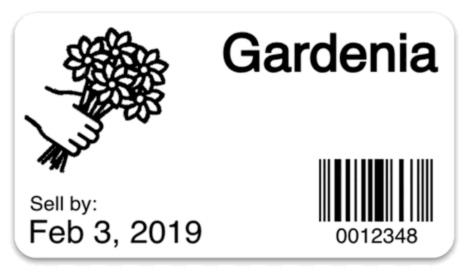
Itโ€™s easy! Learn more at How to Print Labels From an Excel Spreadsheet.

Not the answer you were looking for?

Reach out to us today and we'll see what we can do ASAP.

A blog icon
Guides

How to make Label LIVE work for you, in detail.

Read the guides

Computer monitor icon
Find Answers

If you have questions... we have answers. Check out our in-depth FAQs.

View the FAQs

QR Code Icon
Barcodes

See the barcodes we support and learn how to use them in your labels.

See more barcodes