A DYMO Alternative for Mac That Works With Your Printer
Label LIVE is label design and printing software for Mac that works with DYMO LabelWriter and DYMO Connect printers, and with every other printer brand too.
You design labels on a drag-and-drop canvas, generate barcodes and QR codes, import Excel, CSV or Google Sheets data, and print thousands of unique labels straight from your Mac, without a DYMO account or a cloud service.
Label LIVE runs on macOS and Windows, works on Apple Silicon and Intel, and is licensed with a one-time purchase instead of a subscription.
DYMO Connect for Desktop still works, but it only ever talks to DYMO printers. If your workflow spans printer brands, mixes Mac and Windows, or needs labels driven by a spreadsheet, Label LIVE is the practical alternative.
Try every feature free for 14 days and print to your DYMO printer today.

Label LIVE
Works with DYMO, Zebra, Brother, ROLLO, Primera and any other printer
Runs natively on Apple Silicon and Intel Macs
No account, no cloud login required to print
Batch print from Excel, CSV, Google Sheets or the built-in spreadsheet
Barcodes, QR codes, images, serial numbers and dynamic data on every label
One-time license with a 14-day free trial
DYMO Connect
Only supports DYMO-brand printers
The web version requires a DYMO account and an internet connection
Template and data workflow geared to DYMO label stock
Windows-first heritage, with Mac features arriving later
From DYMO to printed labels in three easy steps:
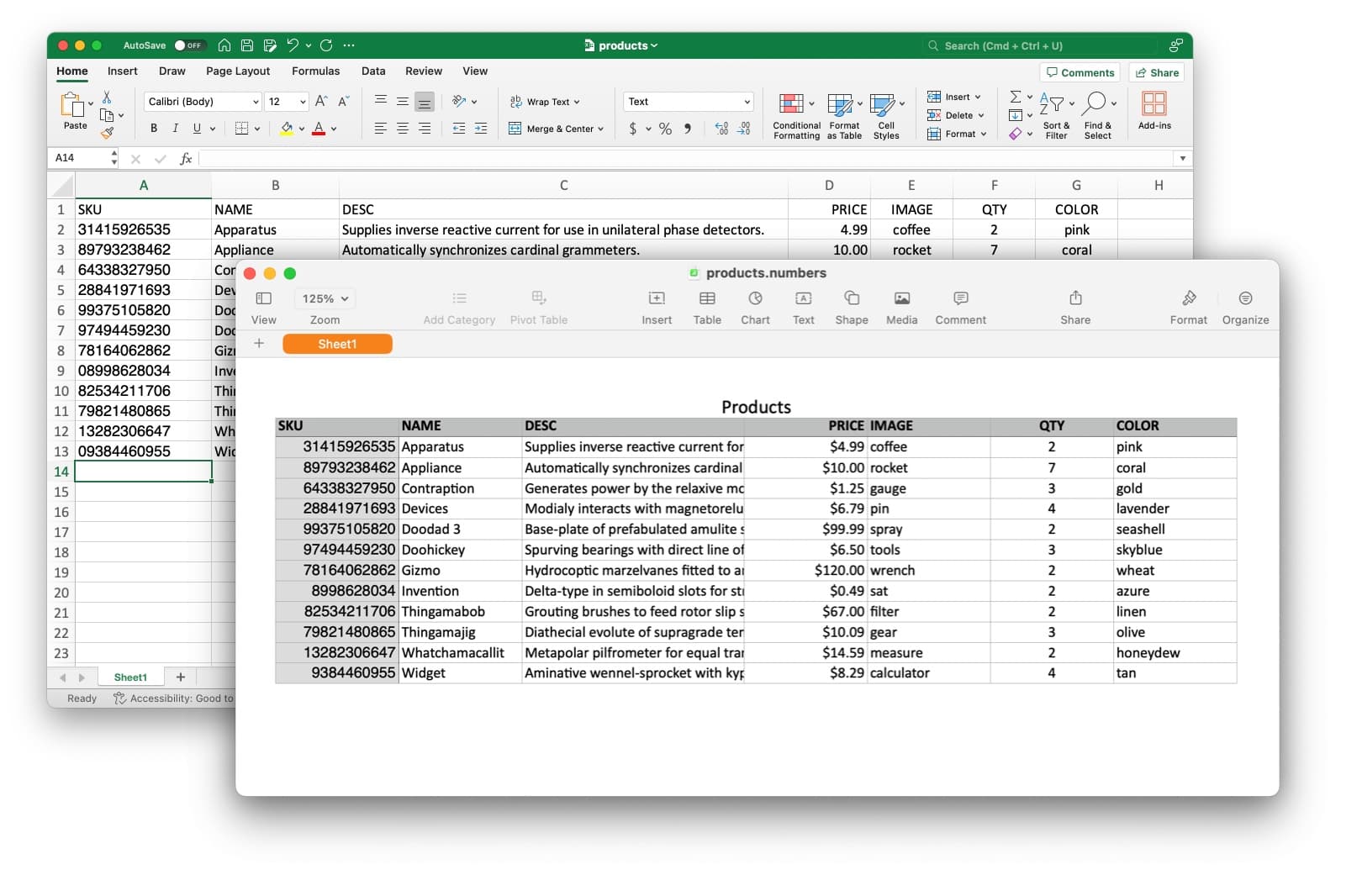
Your product list is already 90% done
Point Label LIVE at the spreadsheet you keep today. Every row becomes a label, no templates to rebuild from DYMO Connect.
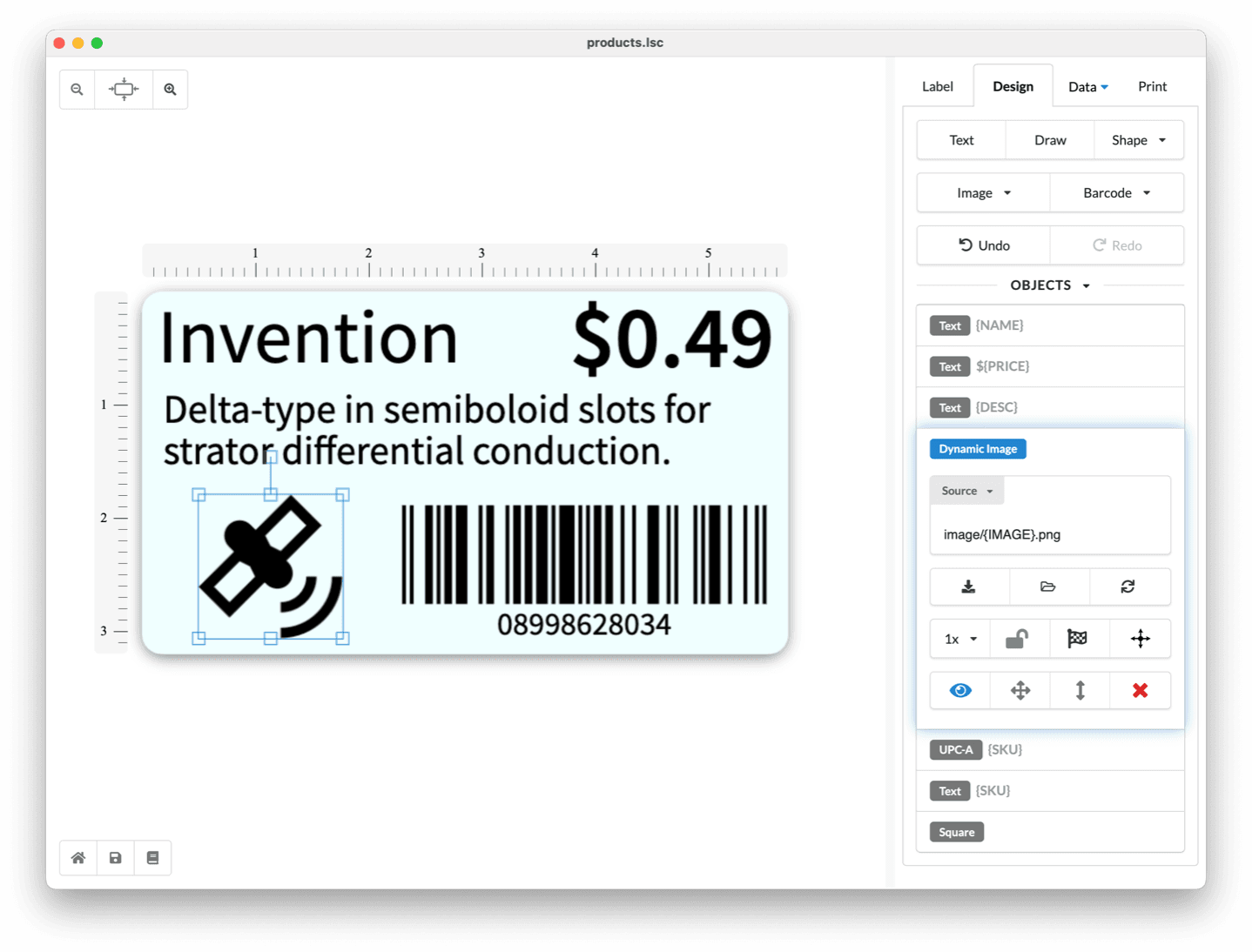
Drag and drop what you need
Recreate your DYMO layout on a free canvas with text, barcodes, images and shapes. No account, no cloud, no per-label fees.
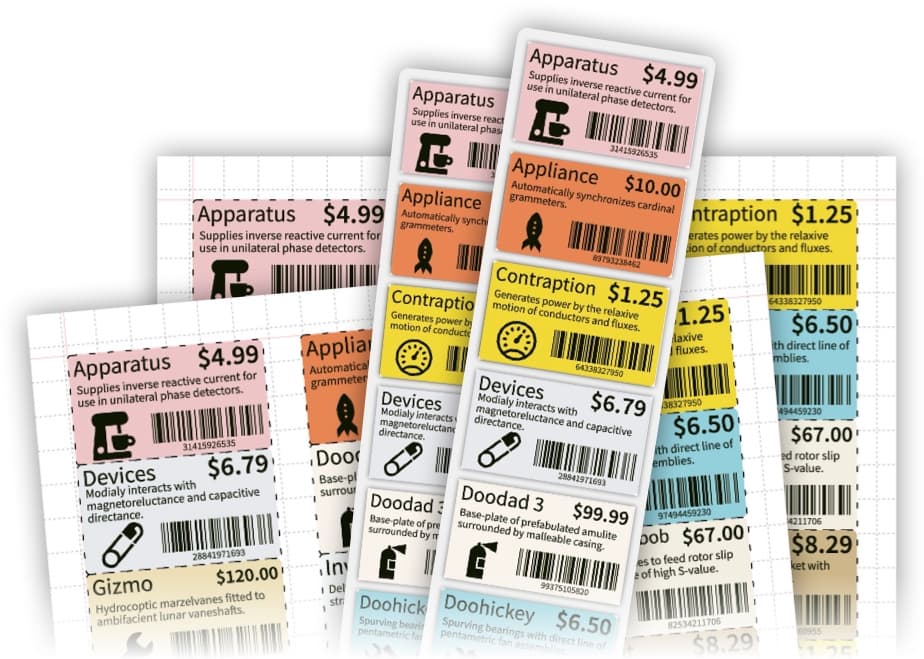
Your LabelWriter prints over USB
Label LIVE talks to DYMO LabelWriter printers directly, so you print without opening DYMO Connect again.
Everything a DYMO LabelWriter User Misses
Label LIVE keeps simple DYMO tasks simple, and it adds the batch, barcode and data features that DYMO Connect never had.
Common Questions from DYMO Users
Will Label LIVE print to my DYMO LabelWriter?
Yes. Label LIVE prints to DYMO LabelWriter and other DYMO printers through the printer driver you already installed, and to other thermal label printers through its own built-in drivers.
Do I need to keep my DYMO templates?
DYMO Connect files are proprietary, but a typical DYMO label is rebuilt on the Label LIVE canvas in a couple of minutes, and the built-in spreadsheet replaces row-by-row manual printing.
What does it cost?
Label LIVE offers one-time Home, Business, and Logic licenses, plus an optional monthly subscription. The 14-day trial includes every feature, and current plans are on the pricing page.